Upload files by clicking or drag-and-drop.
Basic Usage
Customize upload button type and text using slot. Set
limit and on-exceed to limit the maximum
number of uploads allowed and specify method when the limit is exceeded.
Plus, you can abort removing a file in the before-remove
hook.
The files go through Shiny’s own upload channel, so
input$<id> is the data frame fileInput()
gives – name, size, type,
datapath – while Element Plus draws the list and the
progress. limit caps the number of files;
on_exceed hears when there are more.
ui <- el_page(
  el_upload(
    "docs",
    button_label = "Click to upload",
    multiple = TRUE,
    limit = 3,
    tip = "jpg/png files with a size less than 500kb",
    on_exceed = JS(
      "function(files, list) {",
      "  ElementPlus.ElMessage.warning('3 files at most');",
      "}"
    )
  ),
  tableOutput("files")
)

server <- function(input, output, session) {
  output$files <- renderTable(input$docs[, c("name", "size", "type")])
}

shinyApp(ui, server)
Cover Previous File
Set limit and on-exceed to automatically
replace the previous file when select a new file.
With limit = 1, one file at a time:
on_exceed hears the next, and the server clears the list
with el_upload_clear() so a new one can come.
ui <- el_page(
  el_upload(
    "one",
    limit = 1,
    auto_upload = FALSE,
    button_label = "Select file",
    tip = "limit 1 file, clear it to choose another",
    on_exceed = JS(
      "function() { ElementPlus.ElMessage.warning('Clear the file first'); }"
    )
  ),
  el_button("clear", "Clear", size = "small")
)

server <- function(input, output, session) {
  observeEvent(input$clear, el_upload_clear(id = "one"))
}

shinyApp(ui, server)
User Avatar
Use before-upload hook to limit the upload file format
and size.
One picture, no list: the slot draws the box, a JS()
hook checks the file before it goes.
tagList(
  tags$style(
    ".avatar-uploader .el-upload { border: 1px dashed var(--el-border-color);",
    " border-radius: 6px; width: 178px; height: 178px; display: flex;",
    " align-items: center; justify-content: center; font-size: 28px; color: #8c939d; }"
  ),
  tags$div(
    class = "avatar-uploader",
    el_upload(
      "avatar",
      show_file_list = FALSE,
      accept = "image/*",
      before_upload = JS(
        "function(file) {",
        "  if (file.size / 1024 / 1024 > 2) {",
        "    ElementPlus.ElMessage.error('Avatar picture size can not exceed 2MB!');",
        "    return false;",
        "  }",
        "  return true;",
        "}"
      ),
      slots = list(default = el_icon("Plus"))
    )
  )
)
Photo Wall
Use list-type to change the fileList style.
list_type = "picture-card": each file a card with its
thumbnail. A card’s preview button reports the file through
on_preview, and the server shows it in a dialog.
food <- "https://fuss10.elemecdn.com/3/63/4e7f3a15429bfda99bce42a18cdd1jpeg.jpeg"
plant <- "https://element-plus.org/images/plant-1.png"
ui <- el_page(
  el_upload(
    "photos",
    list_type = "picture-card",
    accept = "image/*",
    multiple = TRUE,
    file_list = list(
      list(name = "food.jpeg", url = food),
      list(name = "plant-1.png", url = plant),
      list(name = "food.jpeg", url = food)
    ),
    on_preview = JS(
      "function(file) { Shiny.setInputValue('photos_preview', file.url, {priority: 'event'}); }"
    ),
    slots = list(default = el_icon("Plus"))
  ),
  el_dialog("photo_dialog", content = uiOutput("photo_shown"))
)
server <- function(input, output, session) {
  output$photo_shown <- renderUI({
    req(input$photos_preview)
    tags$img(
      style = "width: 100%",
      src = input$photos_preview,
      alt = "Preview Image"
    )
  })
  observeEvent(input$photos_preview, {
    update_el_dialog(session, "photo_dialog", visible = TRUE)
  })
}
shinyApp(ui, server)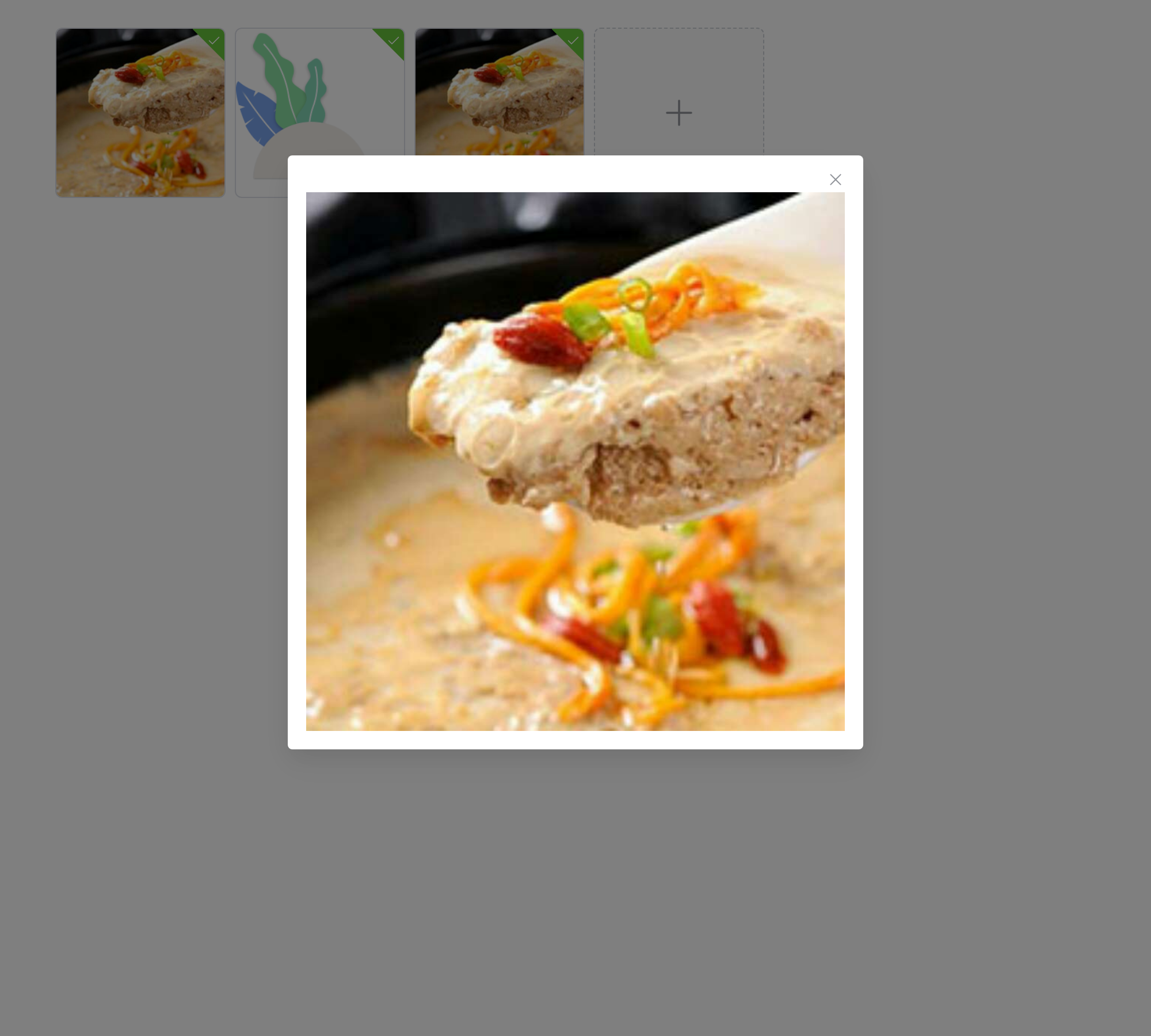
Custom Thumbnail
Use scoped-slot to change default thumbnail
template.
The file slot, scoped with file, draws each
card, with buttons of its own: zoom reports the file and the server
shows it in a dialog.
ui <- el_page(
  el_upload(
    "thumbs",
    list_type = "picture-card",
    auto_upload = FALSE,
    accept = "image/*",
    file_list = list(list(
      name = "food.jpeg",
      url = "https://fuss10.elemecdn.com/3/63/4e7f3a15429bfda99bce42a18cdd1jpeg.jpeg"
    )),
    slots = list(
      default = el_icon("Plus"),
      file = template(
        slot = "file",
        scope = "{ file }",
        tags$div(
          tags$img(
            class = "el-upload-list__item-thumbnail",
            `:src` = "file.url",
            alt = ""
          ),
          tags$span(
            class = "el-upload-list__item-actions",
            tags$span(
              class = "el-upload-list__item-preview",
              `@click` = "$setInput('thumbs_preview', file.url)",
              el_icon("ZoomIn")
            ),
            tags$span(
              class = "el-upload-list__item-delete",
              `@click` = "$setInput('thumbs_download', file.name)",
              el_icon("Download")
            ),
            tags$span(
              class = "el-upload-list__item-delete",
              `@click` = "$setInput('thumbs_remove', file.name)",
              el_icon("Delete")
            )
          )
        )
      )
    )
  ),
  el_dialog("thumb_dialog", content = uiOutput("thumb_shown"))
)
server <- function(input, output, session) {
  output$thumb_shown <- renderUI({
    req(input$thumbs_preview)
    tags$img(
      style = "width: 100%",
      src = input$thumbs_preview,
      alt = "Preview Image"
    )
  })
  observeEvent(input$thumbs_preview, {
    update_el_dialog(session, "thumb_dialog", visible = TRUE)
  })
}
shinyApp(ui, server)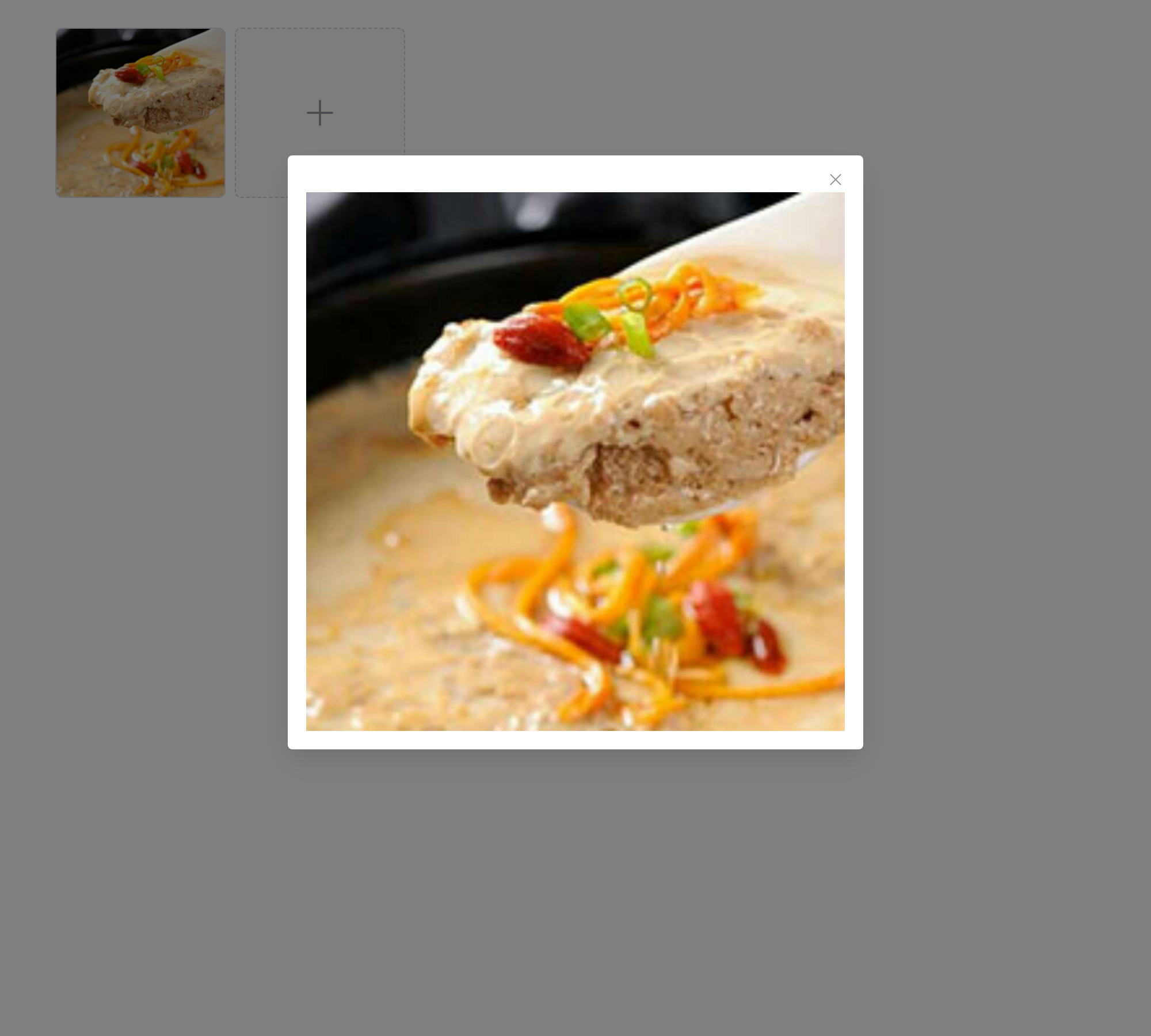
File List with Thumbnail
el_upload(
  "pics",
  list_type = "picture",
  button_label = "Click to upload",
  tip = "jpg/png files with a size less than 500kb",
  accept = "image/*",
  file_list = list(list(
    name = "food.jpeg",
    url = "https://fuss10.elemecdn.com/3/63/4e7f3a15429bfda99bce42a18cdd1jpeg.jpeg"
  ))
)
File List Control
Use on-change hook function to control upload file
list.
on_change sees the list change; keeping only the last
three files is a line of JavaScript.
el_upload(
  "latest",
  button_label = "Click to upload",
  tip = "jpg/png files with a size less than 500kb",
  on_change = JS(
    "function(file, fileList) { if (fileList.length > 3) fileList.splice(0, fileList.length - 3); }"
  )
)
Drag to Upload
You can drag your file to a certain area to upload it.
el_upload(
  "dropped",
  drag = TRUE,
  multiple = TRUE,
  button_label = "Drop file here or click to upload",
  tip = "jpg/png files with a size less than 500kb"
)
Upload Directory
Enable folder upload via the directory prop.
After enabling it, only folders can be selected, and after selecting a folder, the files within the folder will be flattened.
directory = TRUE picks a folder, and uploads every file
in it; here dropped or chosen in the drag area.
el_upload(
  "folder",
  drag = TRUE,
  directory = TRUE,
  multiple = TRUE,
  slots = list(
    default = tagList(
      el_icon("UploadFilled", class = "el-icon--upload"),
      tags$div(
        class = "el-upload__text",
        "Drop directory here or ",
        tags$em("click to upload")
      )
    )
  )
)
Manual Upload
auto_upload = FALSE keeps the files until
submit() sends them – from the server, with
call_el().
ui <- el_page(
  el_upload(
    "queued",
    auto_upload = FALSE,
    multiple = TRUE,
    button_label = "Select file",
    tip = "Chosen files wait for the button"
  ),
  el_button("send", "Upload to server", type = "success", size = "small"),
  tableOutput("arrived")
)

server <- function(input, output, session) {
  observeEvent(input$send, call_el(id = "queued", method = "submit"))
  output$arrived <- renderTable(input$queued[, c("name", "size")])
}

shinyApp(ui, server)
API
Element Plus’s tables, and beside each entry where it is in R.
Attributes
| Element | In R | Description | Type | Accepted | Default |
|---|---|---|---|---|---|
action |
action |
request URL. | 1 | # | |
headers |
headers |
request headers. |
2Headers \\| Record<string, any>
|
— | |
multiple |
multiple |
whether uploading multiple files is permitted. | 3 | false | |
data |
extra_data |
additions options of request. support Awaitable data
and Function since v2.3.13. |
4Record<string, any> \\| Awaitable<Record<string, any>>
/ 5(rawFile: UploadRawFile) => Awaitable<Record<string, any>>
|
{} | |
with-credentials |
with_credentials |
whether cookies are sent. | 6 | false | |
show-file-list |
show_file_list |
whether to show the uploaded file list. | 7 | true | |
drag |
drag |
whether to activate drag and drop mode. | 8 | false | |
accept |
accept |
accepted file
types, will not work when thumbnail-mode === true. |
9 | ’’ | |
crossorigin |
crossorigin |
native attribute crossorigin. |
10'' \\| 'anonymous' \\| 'use-credentials'
|
— | |
on-preview |
on_preview |
hook function when clicking the uploaded files. |
11(uploadFile: UploadFile) => void
|
— | |
on-remove |
on_remove |
hook function when files are removed. |
12(uploadFile: UploadFile, uploadFiles: UploadFiles) => void
|
— | |
on-success |
input$<id> |
hook function when uploaded successfully. |
13(response: any, uploadFile: UploadFile, uploadFiles: UploadFiles) => void
|
— | |
on-error |
input$<id>_error |
hook function when some errors occurs. |
14(error: Error, uploadFile: UploadFile, uploadFiles: UploadFiles) => void
|
— | |
on-progress |
on_progress |
hook function when some progress occurs. |
15(evt: UploadProgressEvent, uploadFile: UploadFile, uploadFiles: UploadFiles) => void
|
— | |
on-change |
on_change |
hook function when select file or upload file success or upload file fail. |
16(uploadFile: UploadFile, uploadFiles: UploadFiles) => void
|
— | |
on-exceed |
on_exceed |
hook function when limit is exceeded. |
17(files: File[], uploadFiles: UploadUserFile[]) => void
|
— | |
before-upload |
before_upload |
hook function before uploading with the file to be uploaded as its
parameter. If false is returned or a Promise
is returned and then is rejected, uploading will be aborted. |
18(rawFile: UploadRawFile) => Awaitable<void \\| undefined \\| null \\| boolean \\| File \\| Blob>
|
— | |
before-remove |
before_remove |
hook function before removing a file with the file and file list as
its parameters. If false is returned or a
Promise is returned and then is rejected, removing will be
aborted. |
19(uploadFile: UploadFile, uploadFiles: UploadFiles) => Awaitable<boolean>
|
— | |
file-list |
file_list |
default uploaded files. |
20UploadUserFile[]
|
[] | |
list-type |
list_type |
type of file list. |
21'text' \\| 'picture' \\| 'picture-card'
|
text | |
auto-upload |
auto_upload |
whether to auto upload file. | 22 | true | |
http-request |
(the Shiny upload) |
override default xhr behavior, allowing you to implement your own upload-file’s request. |
23(options: UploadRequestOptions) => XMLHttpRequest \\| Promise<unknown>
|
ajaxUpload see | |
disabled |
disabled |
whether to disable upload. | 24 | false | |
limit |
limit |
maximum number of uploads allowed. | 25 | — | |
directory |
directory |
whether to support uploading directory. After enabling it, only folders can be selected, and after selecting a folder, the files within the folder will be flattened. | 26 | false |
Slots
| Element | In R | Description |
|---|---|---|
default |
default content | customize default content. |
trigger |
slots = list(trigger = ) |
content which triggers file dialog. |
tip |
slots = list(tip = ) |
content of tips. |
file |
slots = list(file = ) |
content of thumbnail template. |
Exposes
| Element | In R | Description |
|---|---|---|
abort |
call_el(session, id, "abort") |
cancel upload request. When a file is specified, abort
the corresponding pending upload; when no file is specified, abort all
pending uploads. |
submit |
call_el(session, id, "submit") |
upload the file list manually. |
clearFiles |
call_el(session, id, "clearFiles") |
clear the file list (this method is not supported in the
before-upload hook). |
handleStart |
call_el(session, id, "handleStart") |
select the file manually. |
handleRemove |
call_el(session, id, "handleRemove") |
remove the file manually. file and rawFile
has been merged. rawFile will be removed in
v2.2.0. |