When loading data, and you need a rich experience for visual and
interactions for your end users, you can choose
skeleton.
Configurable Rows
You can configure the row numbers yourself, for more precise rendering effect, the actual rendered row number will always be 1 row more than the given number, that is because we are rendering a title row with 33% width of the others.
el_skeleton(rows = 5)Animation
We have provided a switch flag indicating whether showing the loading
animation, called animated when this is true, all children
of el-skeleton will show animation
el_skeleton(rows = 5, animated = TRUE)Customized Template
Element Plus only provides the most common template, sometimes that
could be a problem, so you have a slot named template to do
that work.
Also we have provided different types skeleton unit that you can choose, for more detailed info, please scroll down to the bottom of this page to see the API description. Also, when building your own customized skeleton structure, you should be structuring them as closer to the real DOM as possible, which avoiding the DOM bouncing caused by the height difference.
el_skeleton(
  width = "240px",
  slots = list(
    template = tagList(
      el$skeleton_item(
        variant = "image",
        style = "width: 240px; height: 240px"
      ),
      tags$div(
        style = "padding: 14px",
        el$skeleton_item(variant = "p", style = "width: 50%"),
        tags$div(
          style = "display: flex; align-items: center; justify-items: space-between; margin-top: 16px; height: 16px",
          el$skeleton_item(variant = "text", style = "margin-right: 16px"),
          el$skeleton_item(variant = "text", style = "width: 30%")
        )
      )
    )
  )
)
Loading state
When Loading ends, we always need to show the real UI
with data to our end users. with the attribute loading we
can control whether showing the DOM. You can also use slot
default to structure the real DOM element.
The switch turns the placeholder off and on with
update_el_skeleton(loading =).
hamburger <- "https://shadow.elemecdn.com/app/element/hamburger.9cf7b091-55e9-11e9-a976-7f4d0b07eef6.png"
placeholder <- function(height = "240px") {
  tagList(
    el$skeleton_item(
      variant = "image",
      style = paste0("width: 240px; height: ", height)
    ),
    tags$div(
      style = "padding: 14px",
      el$skeleton_item(variant = "h3", style = "width: 50%"),
      tags$div(
        style = "display: flex; align-items: center; justify-items: space-between; margin-top: 16px; height: 16px",
        el$skeleton_item(variant = "text", style = "margin-right: 16px"),
        el$skeleton_item(variant = "text", style = "width: 30%")
      )
    )
  )
}
card <- function(src, name, button = "Operation button") {
  el_card(
    body_style = list(padding = "0px", marginBottom = "1px"),
    tags$img(src = src, style = "width: 100%; display: block"),
    tags$div(
      style = "padding: 14px",
      tags$span(name),
      tags$div(
        style = "margin-top: 13px; line-height: 12px; display: flex; justify-content: space-between; align-items: center",
        tags$div(
          style = "font-size: 12px; color: #999",
          format(Sys.Date(), "%a %b %d %Y")
        ),
        el_button(label = button, text = TRUE)
      )
    )
  )
}
switch_ui <- function(id, value) {
  tags$div(
    tags$label(style = "margin-right: 16px", "Switch Loading"),
    el_switch(id, value = value)
  )
}
ui <- el_page(
  tags$div(
    style = "display: flex; flex-direction: column; align-items: flex-start; gap: 8px",
    switch_ui("sk_switch", TRUE),
    el_skeleton(
      "sk_load",
      loading = TRUE,
      animated = TRUE,
      style = "width: 240px",
      card(hamburger, "Delicious hamburger"),
      slots = list(template = placeholder())
    )
  )
)
server <- function(input, output, session) {
  observeEvent(input$sk_switch, ignoreInit = TRUE, {
    update_el_skeleton(session, "sk_load", loading = input$sk_switch)
  })
}
shinyApp(ui, server)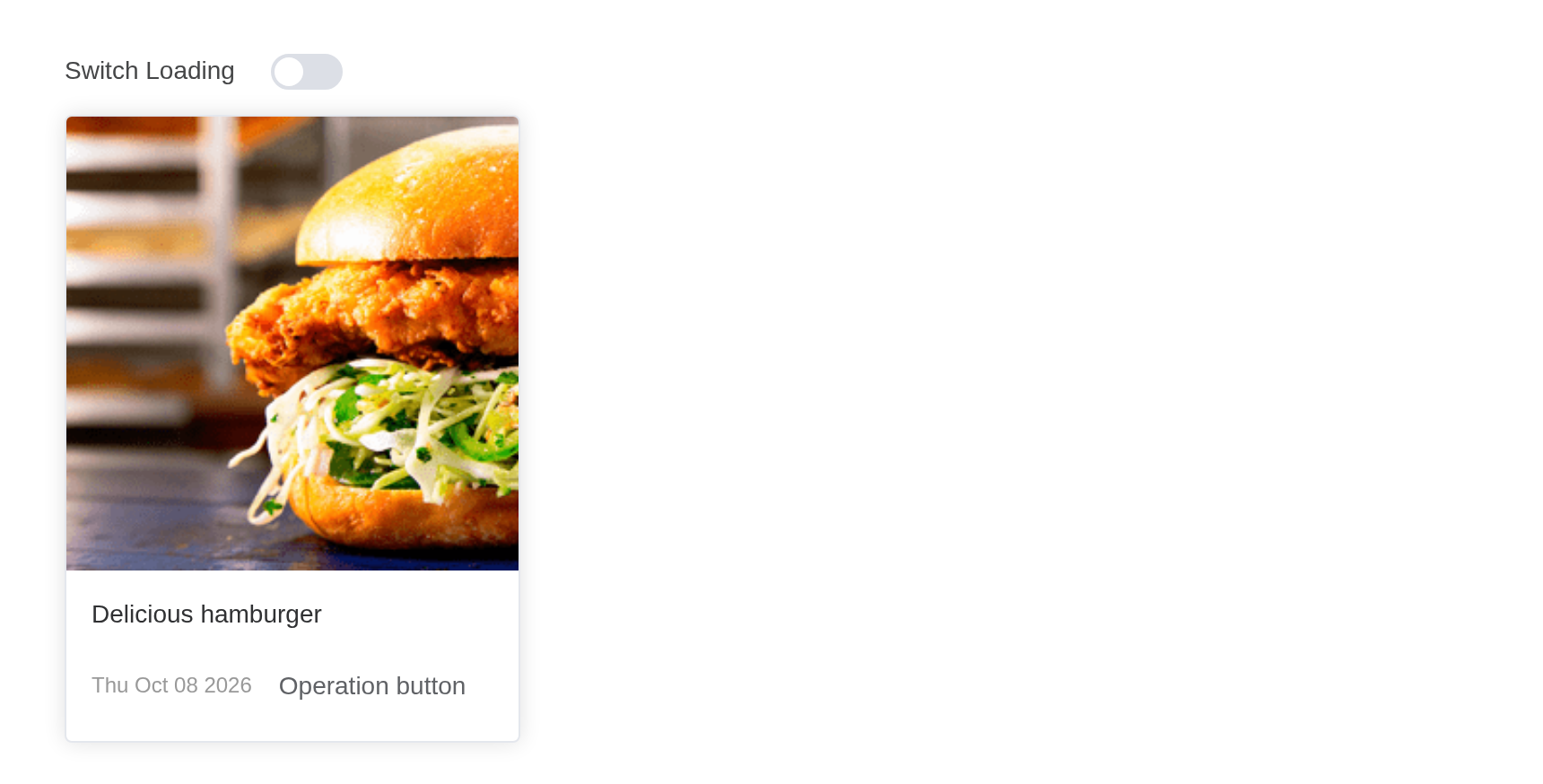
Rendering a list of data
Most of the time, skeleton is used as indicators of rendering a list
of data which haven’t been fetched from server yet, then we need to
create a list of skeleton out of no where to make it look like it is
loading, with count attribute, you can control how many
these templates you need to render to the browser.
Tip
We do not recommend rendering lots of fake UI to the browser, it will still cause the performance issue, it also costs longer to destroy the skeleton. Keep
countas small as it can be to make better user experience.
The button shows the placeholders again for two seconds, as a reload would.
pictures <- c(
  Deer = "https://fuss10.elemecdn.com/a/3f/3302e58f9a181d2509f3dc0fa68b0jpeg.jpeg",
  Horse = "https://fuss10.elemecdn.com/1/34/19aa98b1fcb2781c4fba33d850549jpeg.jpeg",
  "Mountain Lion" = "https://fuss10.elemecdn.com/0/6f/e35ff375812e6b0020b6b4e8f9583jpeg.jpeg"
)
card <- function(src, name) {
  el_card(
    body_style = list(padding = "0px", marginBottom = "1px"),
    style = "flex: 1",
    tags$img(src = src, style = "max-width: 100%; display: block"),
    tags$div(
      style = "padding: 14px",
      tags$span(name),
      tags$div(
        style = "margin-top: 13px; line-height: 12px; display: flex; justify-content: space-between; align-items: center",
        tags$div(
          style = "font-size: 12px; color: #999",
          format(Sys.Date(), "%a %b %d %Y")
        ),
        el_button(label = "Operation button", text = TRUE)
      )
    )
  )
}
ui <- el_page(
  tags$div(
    style = "display: flex; flex-direction: column; gap: 8px",
    tags$div(el_button("sk_reload", "Click me to reload")),
    el_skeleton(
      "sk_list",
      loading = FALSE,
      animated = TRUE,
      count = 3,
      style = "display: flex; gap: 8px",
      tags$div(
        style = "display: flex; gap: 8px",
        unname(Map(card, pictures, names(pictures)))
      ),
      slots = list(
        template = tags$div(
          style = "flex: 1",
          el$skeleton_item(variant = "image", style = "height: 240px"),
          tags$div(
            style = "padding: 14px",
            el$skeleton_item(variant = "h3", style = "width: 50%"),
            tags$div(
              style = "display: flex; align-items: center; justify-items: space-between; margin-top: 16px; height: 16px",
              el$skeleton_item(variant = "text", style = "margin-right: 16px"),
              el$skeleton_item(variant = "text", style = "width: 30%")
            )
          )
        )
      )
    )
  )
)
server <- function(input, output, session) {
  observeEvent(input$sk_reload, {
    update_el_skeleton(session, "sk_list", loading = TRUE)
    later::later(
      function() update_el_skeleton(session, "sk_list", loading = FALSE),
      2
    )
  })
}
shinyApp(ui, server)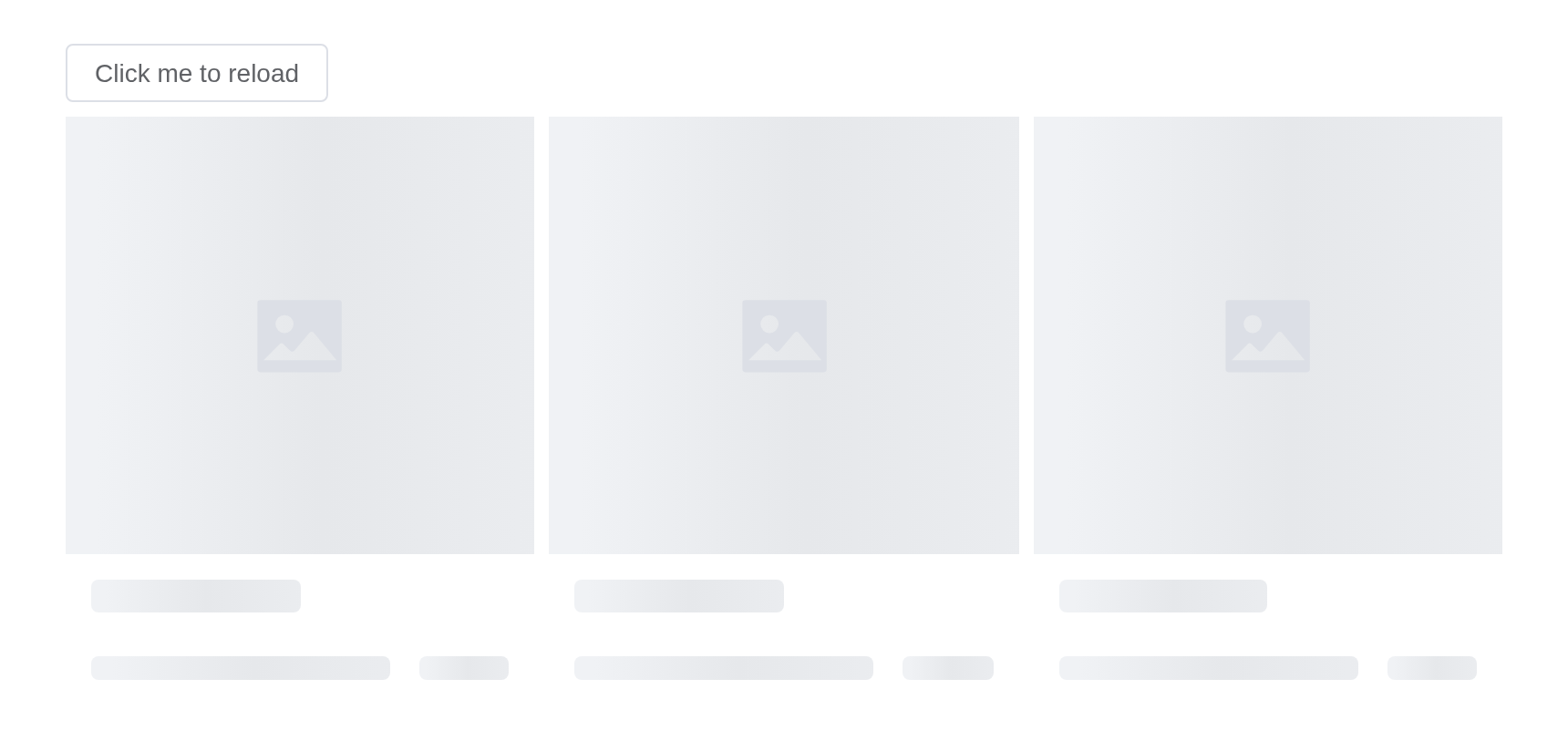
Avoiding rendering bouncing.
Sometimes API responds very quickly, when that happens, the skeleton
just gets rendered to the DOM then it needs to switch back to real DOM,
that causes the sudden flashy. To avoid such thing, you can use the
throttle attribute.
Tip
Since 2.8.8, the
throttleattribute supports two values:numberandobject. When passing anumber, it is equivalent to{leading: xxx}, controlling the throttling of the skeleton screen display. Of course, you can also control the throttling of the skeleton screen disappearance by passing{trailing: xxx}
The placeholder shows only when loading lasts longer than
throttle: switch it on and off quickly, and it never
appears.
hamburger <- "https://shadow.elemecdn.com/app/element/hamburger.9cf7b091-55e9-11e9-a976-7f4d0b07eef6.png"
ui <- el_page(
  tags$div(
    style = "display: flex; flex-direction: column; align-items: flex-start; gap: 8px",
    tags$div(
      tags$label(style = "margin-right: 16px", "Switch Loading"),
      el_switch("sk_throttle_switch", value = FALSE)
    ),
    el_skeleton(
      "sk_throttle",
      loading = FALSE,
      animated = TRUE,
      throttle = 500,
      style = "width: 240px",
      el_card(
        body_style = list(padding = "0px", marginBottom = "1px"),
        tags$img(src = hamburger, style = "width: 100%; display: block"),
        tags$div(
          style = "padding: 14px",
          tags$span("Delicious hamburger"),
          tags$div(
            style = "margin-top: 13px; line-height: 12px; display: flex; justify-content: space-between; align-items: center",
            tags$div(
              style = "font-size: 12px; color: #999",
              format(Sys.Date(), "%a %b %d %Y")
            ),
            el_button(label = "operation button", text = TRUE)
          )
        )
      ),
      slots = list(
        template = tagList(
          el$skeleton_item(
            variant = "image",
            style = "width: 240px; height: 265px"
          ),
          tags$div(
            style = "padding: 14px",
            el$skeleton_item(variant = "h3", style = "width: 50%"),
            tags$div(
              style = "display: flex; align-items: center; justify-items: space-between; margin-top: 16px; height: 16px",
              el$skeleton_item(variant = "text", style = "margin-right: 16px"),
              el$skeleton_item(variant = "text", style = "width: 30%")
            )
          )
        )
      )
    )
  )
)
server <- function(input, output, session) {
  observeEvent(input$sk_throttle_switch, ignoreInit = TRUE, {
    update_el_skeleton(
      session,
      "sk_throttle",
      loading = input$sk_throttle_switch
    )
  })
}
shinyApp(ui, server)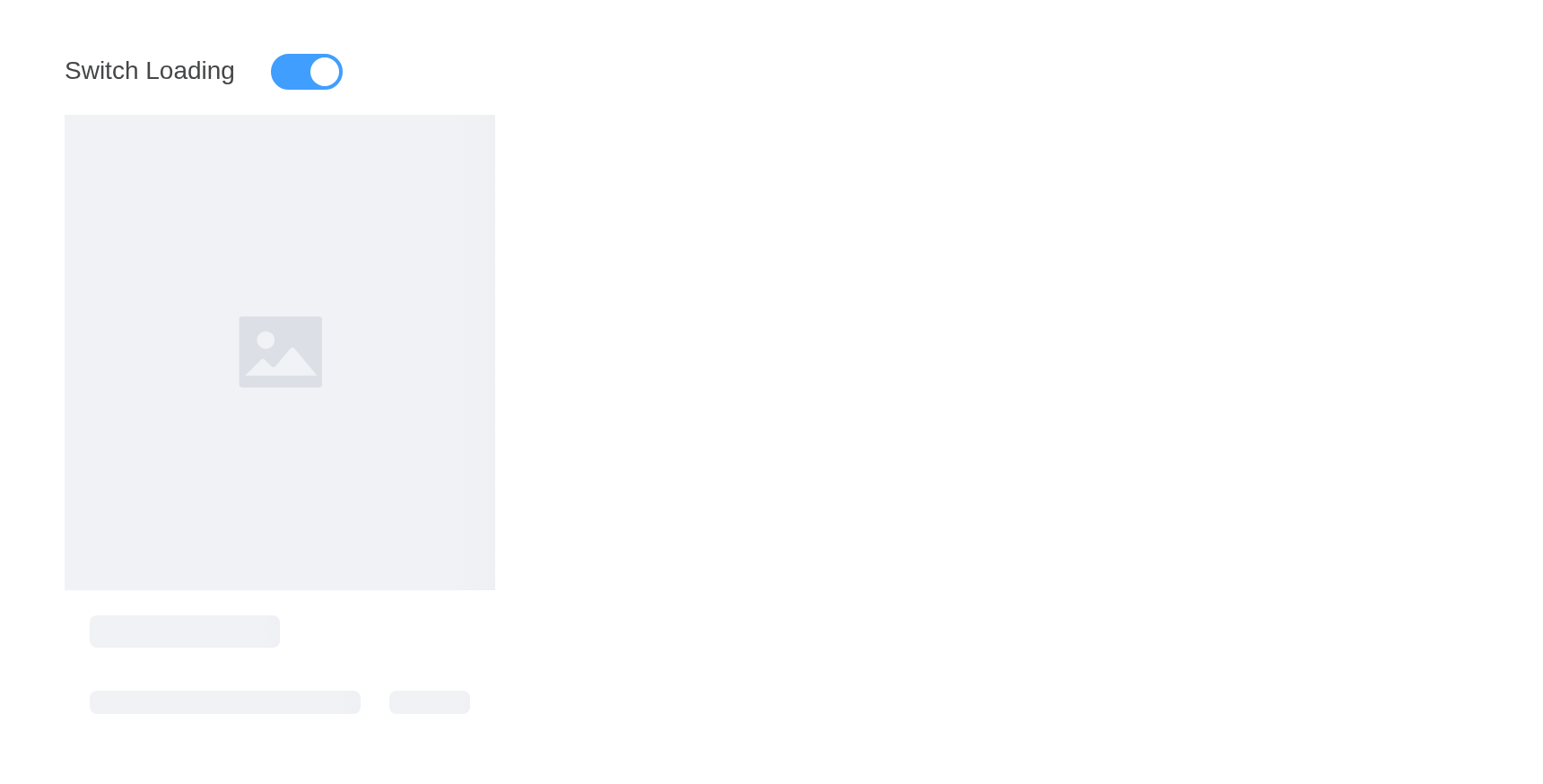
Initial rendering loading
When the initial value of loading is true, you can set
throttle: {initVal: true, leading: xxx} to control the
immediate display of the initial skeleton screen without throttling.
initVal = TRUE shows the placeholder from the start;
afterwards it appears only after the leading delay.
hamburger <- "https://shadow.elemecdn.com/app/element/hamburger.9cf7b091-55e9-11e9-a976-7f4d0b07eef6.png"
ui <- el_page(
  tags$div(
    style = "display: flex; flex-direction: column; align-items: flex-start; gap: 8px",
    tags$div(
      tags$label(style = "margin-right: 16px", "Switch Loading"),
      el_switch("sk_initial_switch", value = TRUE)
    ),
    el_skeleton(
      "sk_initial",
      loading = TRUE,
      animated = TRUE,
      throttle = list(leading = 500, initVal = TRUE),
      style = "width: 240px",
      el_card(
        body_style = list(padding = "0px", marginBottom = "1px"),
        tags$img(src = hamburger, style = "width: 100%; display: block"),
        tags$div(
          style = "padding: 14px",
          tags$span("Delicious hamburger"),
          tags$div(
            style = "margin-top: 13px; line-height: 12px; display: flex; justify-content: space-between; align-items: center",
            tags$div(
              style = "font-size: 12px; color: #999",
              format(Sys.Date(), "%a %b %d %Y")
            ),
            el_button(label = "operation button", text = TRUE)
          )
        )
      ),
      slots = list(
        template = tagList(
          el$skeleton_item(
            variant = "image",
            style = "width: 240px; height: 265px"
          ),
          tags$div(
            style = "padding: 14px",
            el$skeleton_item(variant = "h3", style = "width: 50%"),
            tags$div(
              style = "display: flex; align-items: center; justify-items: space-between; margin-top: 16px; height: 16px",
              el$skeleton_item(variant = "text", style = "margin-right: 16px"),
              el$skeleton_item(variant = "text", style = "width: 30%")
            )
          )
        )
      )
    )
  )
)
server <- function(input, output, session) {
  observeEvent(input$sk_initial_switch, ignoreInit = TRUE, {
    update_el_skeleton(session, "sk_initial", loading = input$sk_initial_switch)
  })
}
shinyApp(ui, server)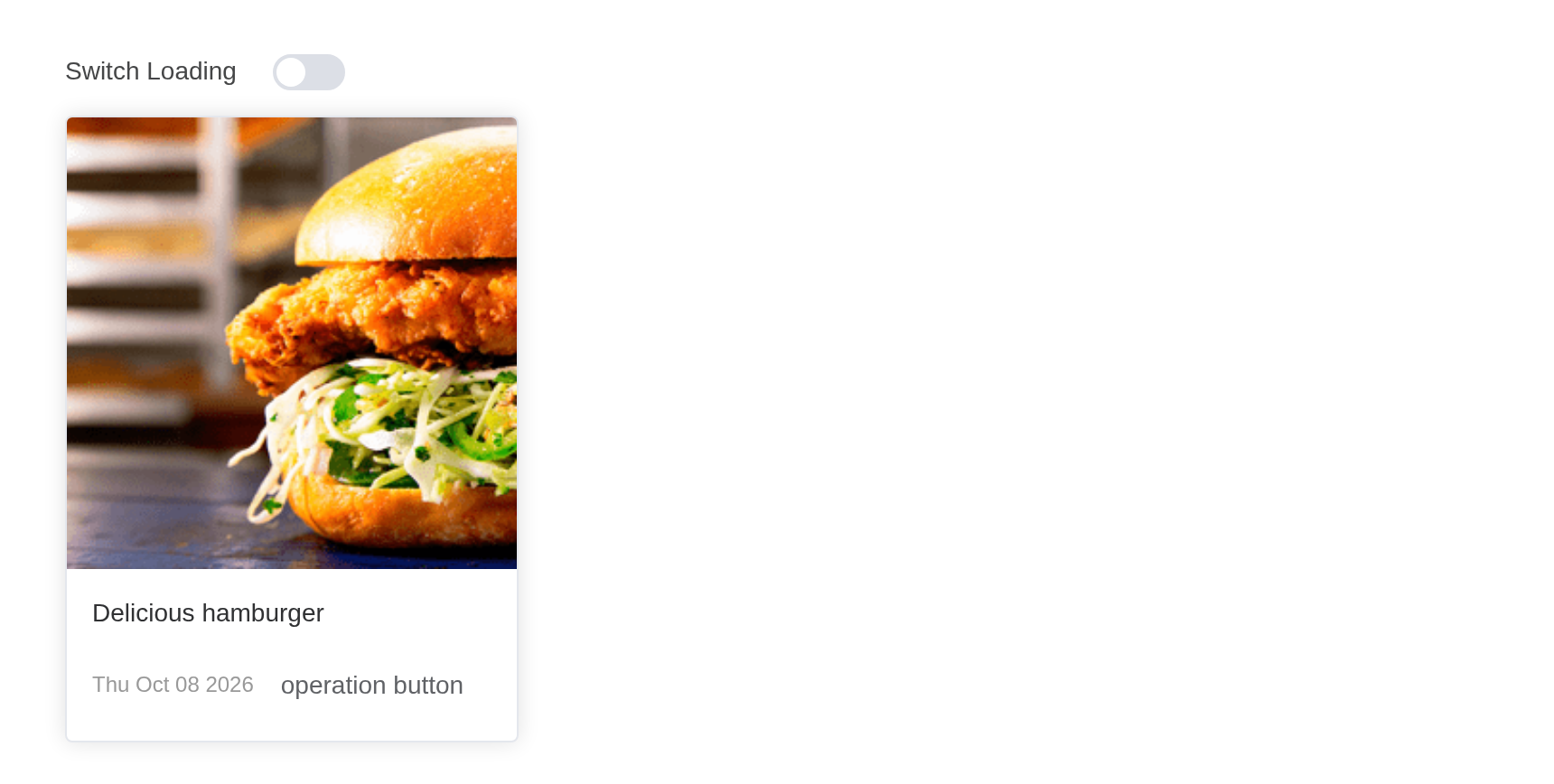
Toggle show/hide without rending bouncing
Tip
You can set
throttle: {initVal: true, leading: xxx, trailing: xxx}to control the initial display of the skeleton effect and to make the transition of the skeleton more smooth when switching loading states.
Sometimes you want to render the business components more smoothly
when loading toggle show or hide. You can use set the
throttle: {leading: xxx, trailing:xxx} to control the
rendering bouncing.
leading delays the placeholder, trailing
keeps it a while after loading ends.
hamburger <- "https://shadow.elemecdn.com/app/element/hamburger.9cf7b091-55e9-11e9-a976-7f4d0b07eef6.png"
ui <- el_page(
  tags$div(
    style = "display: flex; flex-direction: column; align-items: flex-start; gap: 8px",
    tags$div(
      tags$label(style = "margin-right: 16px", "Switch Loading"),
      el_switch("sk_lt_switch", value = FALSE)
    ),
    el_skeleton(
      "sk_lt",
      loading = FALSE,
      animated = TRUE,
      throttle = list(leading = 500, trailing = 500, initVal = TRUE),
      style = "width: 240px",
      el_card(
        body_style = list(padding = "0px", marginBottom = "1px"),
        tags$img(src = hamburger, style = "width: 100%; display: block"),
        tags$div(
          style = "padding: 14px",
          tags$span("Delicious hamburger"),
          tags$div(
            style = "margin-top: 13px; line-height: 12px; display: flex; justify-content: space-between; align-items: center",
            tags$div(
              style = "font-size: 12px; color: #999",
              format(Sys.Date(), "%a %b %d %Y")
            ),
            el_button(label = "operation button", text = TRUE)
          )
        )
      ),
      slots = list(
        template = tagList(
          el$skeleton_item(
            variant = "image",
            style = "width: 240px; height: 265px"
          ),
          tags$div(
            style = "padding: 14px",
            el$skeleton_item(variant = "h3", style = "width: 50%"),
            tags$div(
              style = "display: flex; align-items: center; justify-items: space-between; margin-top: 16px; height: 16px",
              el$skeleton_item(variant = "text", style = "margin-right: 16px"),
              el$skeleton_item(variant = "text", style = "width: 30%")
            )
          )
        )
      )
    )
  )
)
server <- function(input, output, session) {
  observeEvent(input$sk_lt_switch, ignoreInit = TRUE, {
    update_el_skeleton(session, "sk_lt", loading = input$sk_lt_switch)
  })
}
shinyApp(ui, server)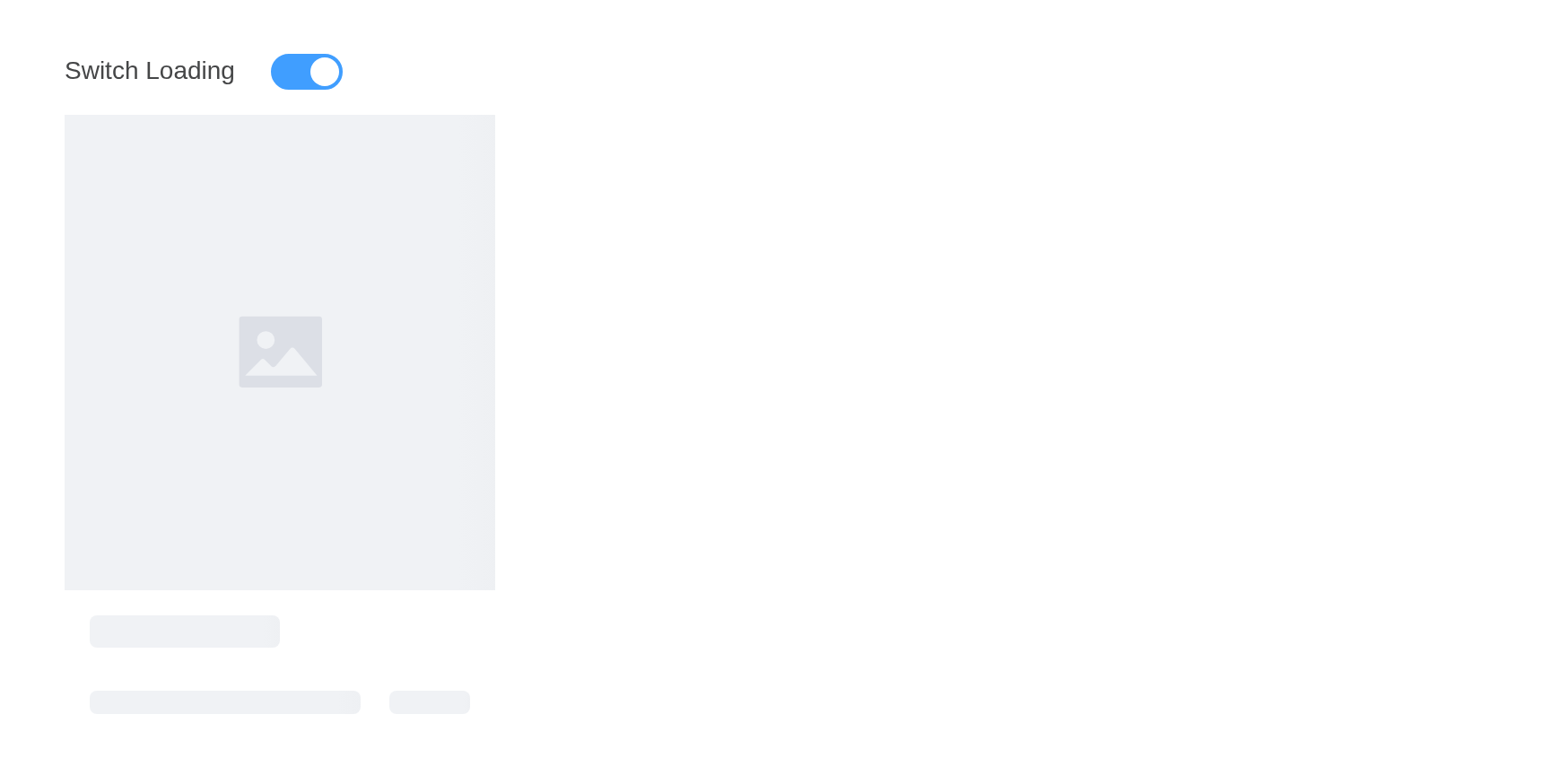
API
Element Plus’s tables, and beside each entry where it is in R.
Skeleton Attributes
| Element | In R | Description | Type | Accepted | Default |
|---|---|---|---|---|---|
animated |
animated |
whether showing the animation | 1 | false | |
count |
count |
how many fake items to render to the DOM | 2 | 1 | |
loading |
loading |
whether showing the real DOM | 3 | false | |
rows |
rows |
numbers of the row, only useful when no template slot were given | 4 | 3 | |
throttle |
throttle |
rendering delay in milliseconds. Numbers represent delayed display,
and can also be set to delay hide, for example
{ leading: 500, trailing: 500 }. When needing to control
the initial value of loading, you can set
{ initVal: true }
|
5 /
6{ leading?: number, trailing?: number, initVal?: boolean }
|
0 |
Skeleton Slots
| Element | In R | Description |
|---|---|---|
default |
default content | real rendering DOM |
template |
slots = list(template = ) |
content as rendering skeleton template |
SkeletonItem Attributes
| Element | In R | Description | Type | Accepted | Default |
|---|---|---|---|---|---|
variant |
el_skeleton_item(variant =) |
the current rendering skeleton type |
7'p' \\| 'text' \\| 'h1' \\| 'h3' \\| 'caption' \\| 'button' \\| 'image' \\| 'circle' \\| 'rect'
|
text |